

Transform Your Team’s Excel Skills in Just 2 Hours—Here’s How

February 1, 2026

Share this article

TLDR;

Don’t let outdated Excel habits and slow workflows waste your team’s time. A focused 2-hour Excelerator Workshop—centered on modern formulas, automation, and real-world problem-solving—can reclaim up to 45 hours per quarter, boost morale, and put your toughest tasks on autopilot. Don’t work harder; work smarter.


Still Stuck in Spreadsheet Purgatory?

Ever found yourself massaging messy data long after dinner? You’re not alone. Most teams still run Excel like it’s 2007—stuck on VLOOKUP, endless manual copy-pasting, and a tangle of files. The real problem? These outdated routines refuse to die, quietly draining hours and energy every week.


Why Old Excel Habits Linger

  • Comfort with the familiar: If you’ve always used VLOOKUP, switching feels risky—even if it’s better.
  • Lack of training: Most people learn Excel by trial and error, inheriting flaws from coworkers.
  • Cultural inertia: Messy workflows get passed down. If it “works,” no one questions it.
  • Automation feels out of reach: Many don’t realize how easily recurring tasks can be automated.


Common Culprits:

  • Relying on VLOOKUP over XLOOKUP (70% of teams still do!)
  • Manual filtering and endless copy-pasting
  • Juggling too many files instead of using Power Query


Anecdote: One teammate hand-keyed sales data from five sheets over lunch—coffee cold, numbers wrong. Multiply that by every week, and you see how these habits quietly drain time and energy.


The 2-Hour Excelerator Workshop: The Fast Track to Excel Mastery


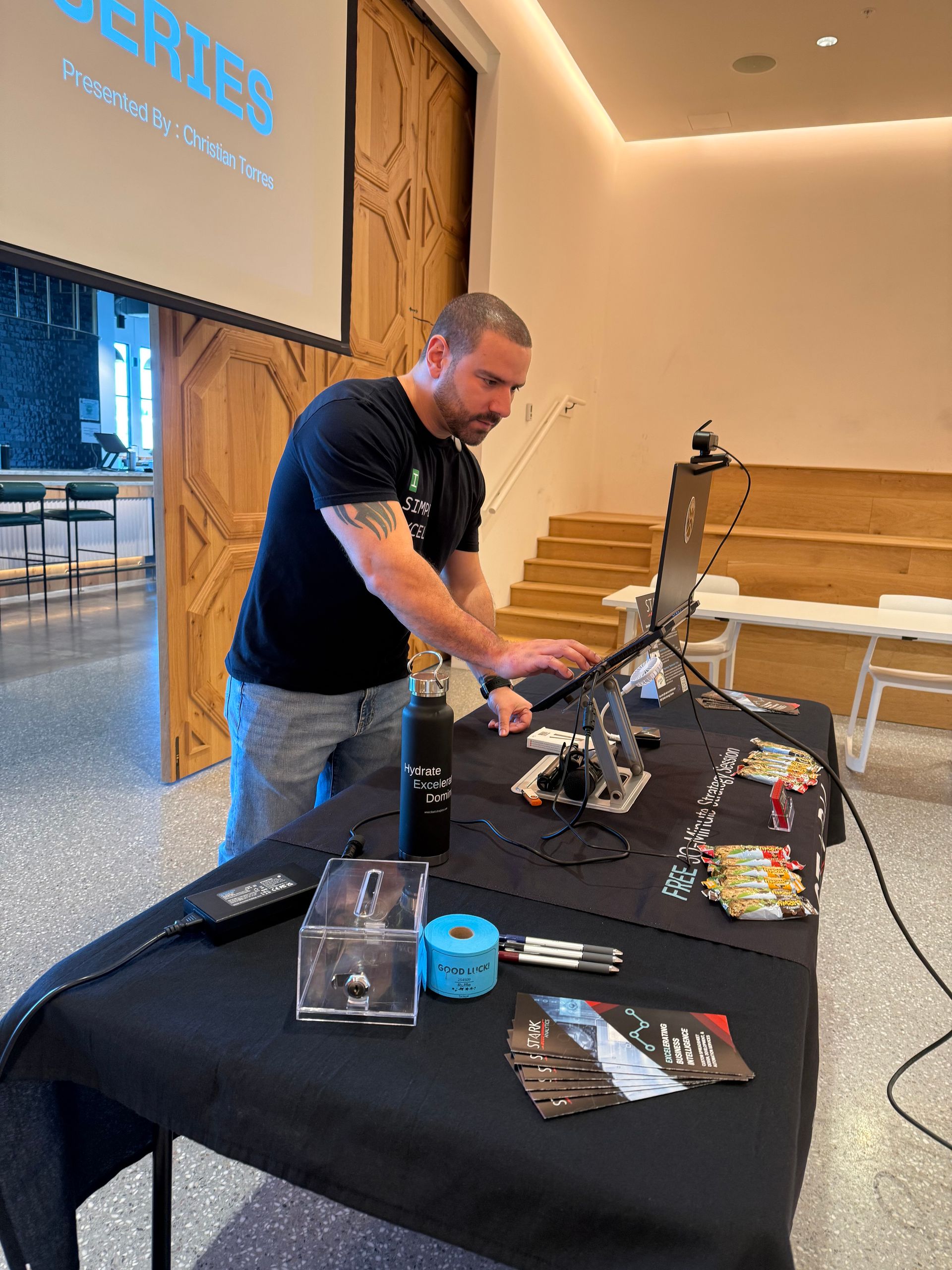
Imagine trading hours of grunt work for a 2-hour, hands-on Excelerator Workshop. This isn’t theory—it’s a practical, high-impact session focused on:

  • XLOOKUP, FILTER, UNIQUE, SORT, SEQUENCE
  • Structured tables that declutter and automate
  • Power Query for data cleanup
  • PivotTable best practices
  • AI workflows that save the most time


Teams walk away with:

  • 6–12 hours/month saved per person
  • 20–40% productivity boost
  • Fewer errors, less burnout, and more time for meaningful work


“Short sessions → high retention → immediate application.”

Real Results: Why 2 Hours Pays Off for Months

Teams that implement these workflows save hundreds of hours every quarter. Beyond time savings, the real win is a team that doesn’t dread the weekly Excel fire drill. You’ll see:

  • Fewer errors
  • Happier employees
  • Smoother collaboration
  • A team that finally speaks the same “Excel language”


“Across hundreds of teams, structured Excel training creates compounding savings you can feel by week’s end.”


Ready to Reboot Your Workflow?

Stop letting outdated routines eat your quarter. The 2-hour Excelerator Workshop is designed for busy teams who want results, not overwhelm. For less than the cost of a team lunch, you’ll transform your efficiency, reclaim your time, and finally ditch the spreadsheet struggles for good.


Recent Posts

February 1, 2026
Discover the hidden spreadsheet risks costing your business time and money. Learn how formula errors, broken links, and data issues impact decisions—and how to fix them fast.

December 14, 2025
TL;DR: Don’t let reporting swallow your team’s time. If your data and reports are predictable, automate in-house—Excel and Power Query are quietly powerful. If not, don’t tough it out: outsourcing can leapfrog you ahead. The happiest teams? They blend smart automation with strategic outsourcing. Call in an expert if you’re stuck in the copy-paste purgatory. I’ll admit it—I once fell into that same endless loop: open Excel, copy-paste-from-four-systems, format-with-bleary-eyes, repeat. If you manage reports for an SMB, chances are you know this pain too. But here’s the twist: despite thousands of dollars poured into digital tools, manual reporting still haunts modern businesses. So should you automate, outsource, or (here’s a curveball) find a sweet spot in between? Let’s get savvy about saving time and finding what actually works for your reality.